Every AI trend app has some kind of free tier, and the details matter: what is free, what is locked, and what you need to hand over first. Here is exactly how it works on Viro.
What is free
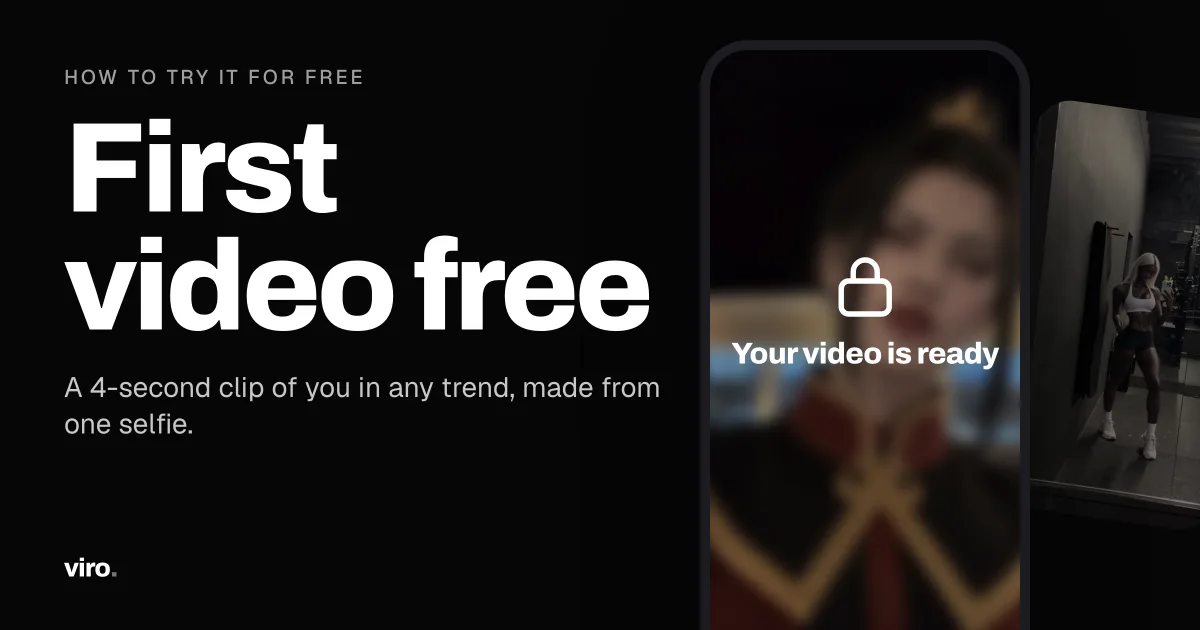
- Your first video. A 4-second clip of you in any trend from the feed, made from your own selfie.
- Browsing. Every trend, with the original and the result, is open to watch before you sign up.
The free video is made in full, and you see when it is ready. It stays locked until you start a plan: you cannot watch or download it in full before that.
What a plan adds
- Your free video, unlocked. Watch it, download it, post it.
- More videos. A plan comes with credits for new videos every week.
- No watermark on videos you download.
Pro Weekly starts with 3 days free, then $9.99 a week. Cancel during the free days and you pay nothing. Yearly plans cost less per week. All prices are on the paywall before you pay.
How to get the most out of the free video
The free video is the best way to find out whether your selfie works, so do not spend it on a rushed photo:
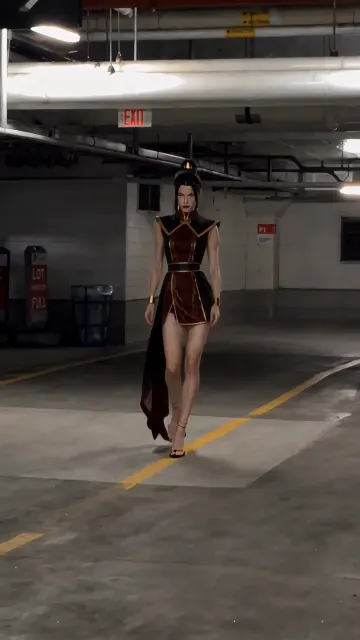
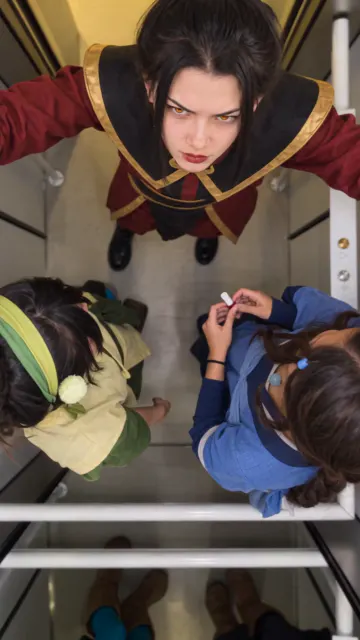
- Pick a trend where the face is close to the camera. Elevator POV and Too Tall keep the focus on the face.
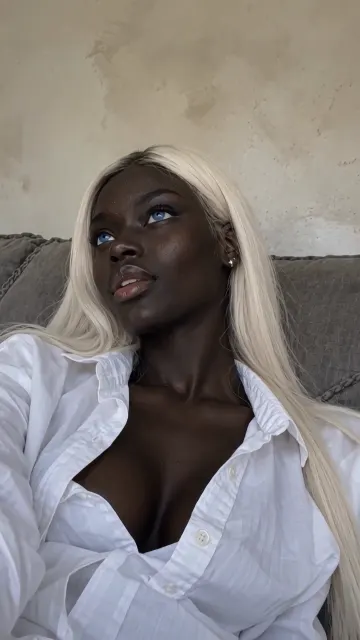
- Use your best selfie. Front-facing, daylight, face fully visible. The selfie checklist covers the rest.
- Check the result. If it looks like you, the same selfie will work for every other trend.
What happens to the photo
Whether you pay or not, your selfie is used only to make your videos and deleted within 24 hours. More on that in what happens to your selfie.
FAQ
Is Viro free?
Your first video is free. It is a 4-second clip of you in the trend you picked, and it stays locked until you start a plan or a free trial.
Is there a free trial?
Yes. Pro Weekly starts with 3 days free, then $9.99 a week. Cancel during the free days and you are not charged.
Do I need a card to make the free video?
No. You need a selfie and an account. A card is only needed to start a plan or the free trial.