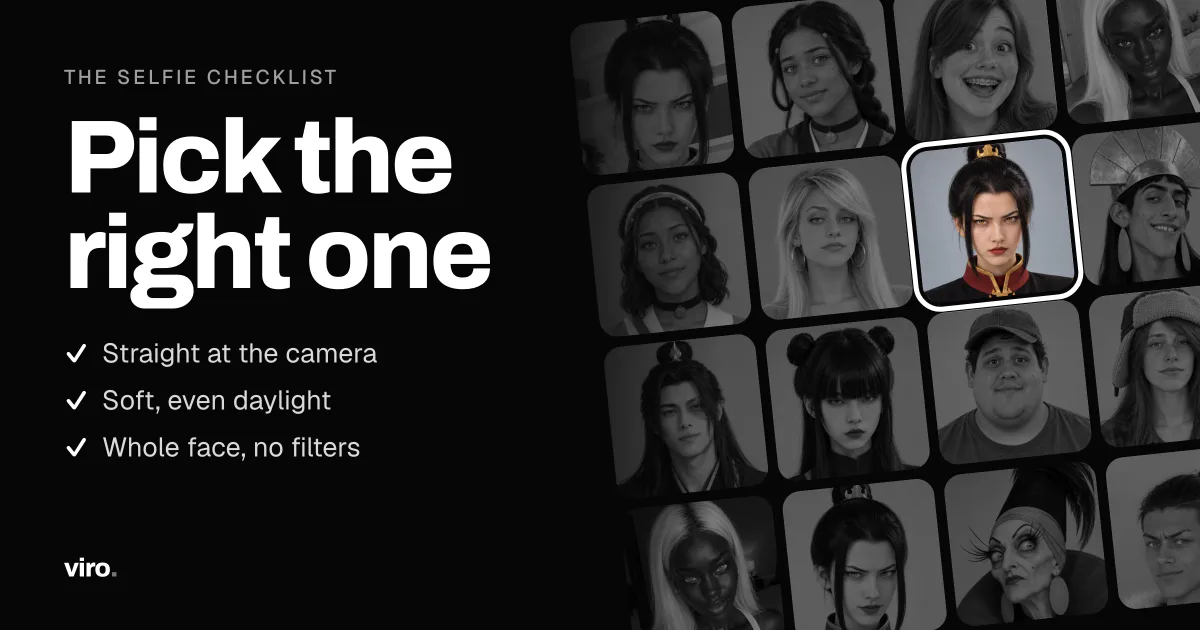
AI video trends replace the face in a ready-made clip with yours. The clip is fixed, so the only thing you control is the selfie. A good one makes the result look like you on a good day. A weak one makes it look like a cousin.
Why the selfie matters so much
The model reads your face from a single photo: its shape, your features, your skin tone, your hair. Anything it cannot see, it has to guess, and in a video it has to guess it again in every frame. Shadows, a turned head or sunglasses all mean more guessing, and that is where results stop looking like you.
The checklist
- Look straight at the camera. A slight turn is fine, a profile is not.
- Hold the phone at eye level. Shots from far below or above change the shape of the face.
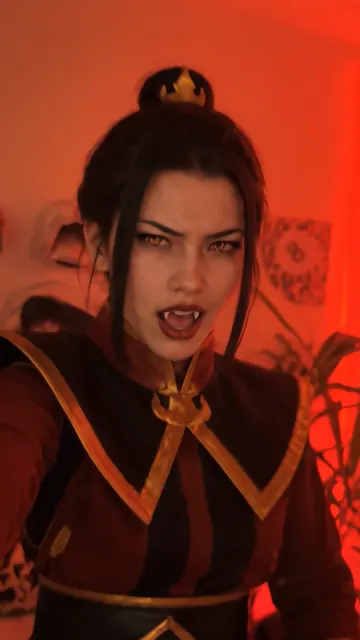
- Use soft, even light. Face a window in daylight. Avoid one-sided light, backlight and strong flash.
- Keep the whole face visible. Push hair away from the eyes and take off sunglasses, masks and big hats.
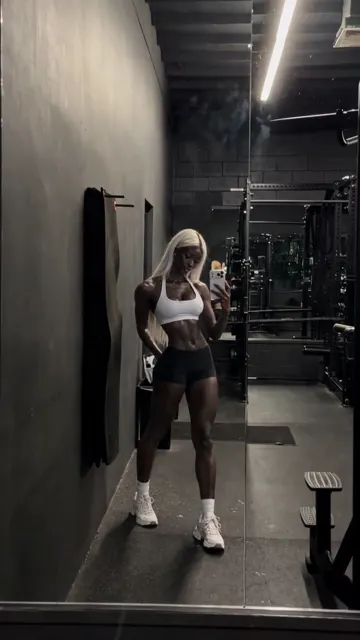
- Fill the frame with your face. Head and shoulders is right. A full-body photo leaves too few pixels on the face.
- Keep it sharp. Use the original photo rather than a screenshot or a photo sent through a chat app.
- Use a recent photo. The result will look like the photo, so pick one that looks like you now.
- Keep a neutral or relaxed expression. A big grin can carry over into scenes where it looks out of place.
Only your own face
Only upload a face if it is yours, or the person has said yes. Photos of anyone under 18 are not allowed.
What to avoid
- Filters and beauty modes that smooth or reshape the face.
- Photos with several faces in them, unless you crop to one.
- Old, small or heavily compressed photos.
- Photos of anyone who has not agreed to be in the result.
Test it with the free video
When you add a selfie, Viro checks it first and tells you if it is too small, too blurry or has no clear face. Your first video is free, so it is the quickest way to see how your selfie holds up. If it looks like you, the same selfie will work for every other trend.
FAQ
Do I need a professional photo?
No. A recent phone selfie in daylight is enough. What matters is a clear, front-facing face, not the camera.
Can I use a group photo?
Crop it so only one face is in the picture. With several faces the trend may pick the wrong person.
Why does my result not look like me?
Most often the face in the photo is turned away, in shadow, partly covered or blurry. Try again with a straight-on photo in even light.
Are my selfies stored?
Your selfie is used only to make your videos and deleted automatically within 24 hours.