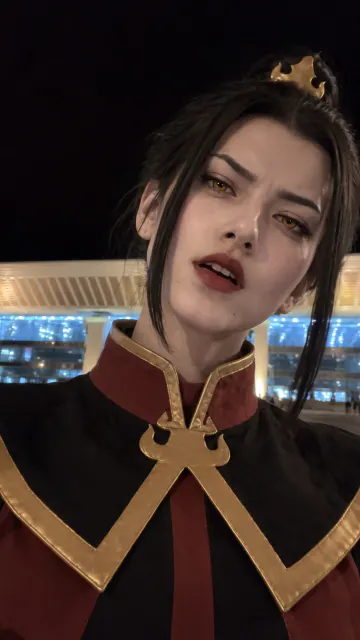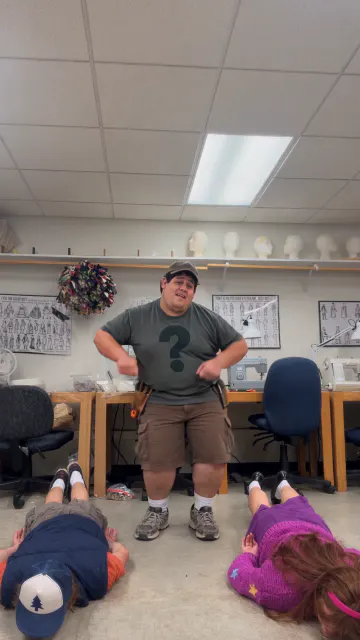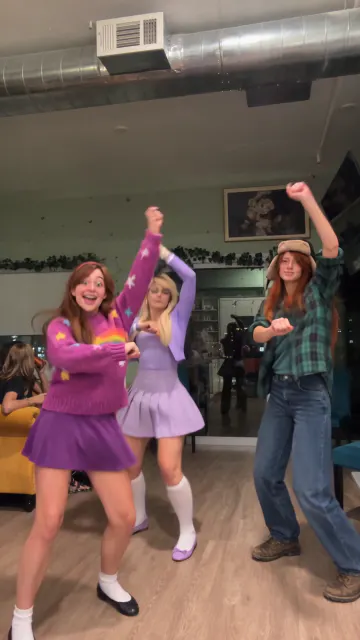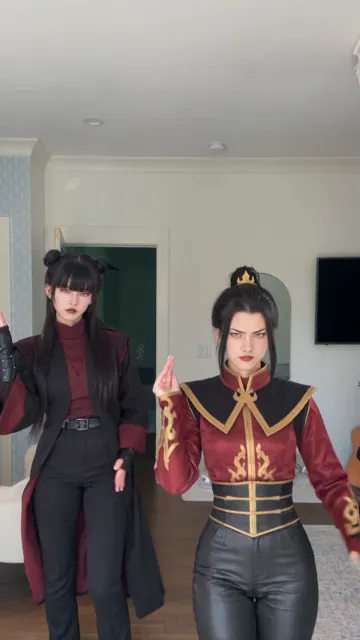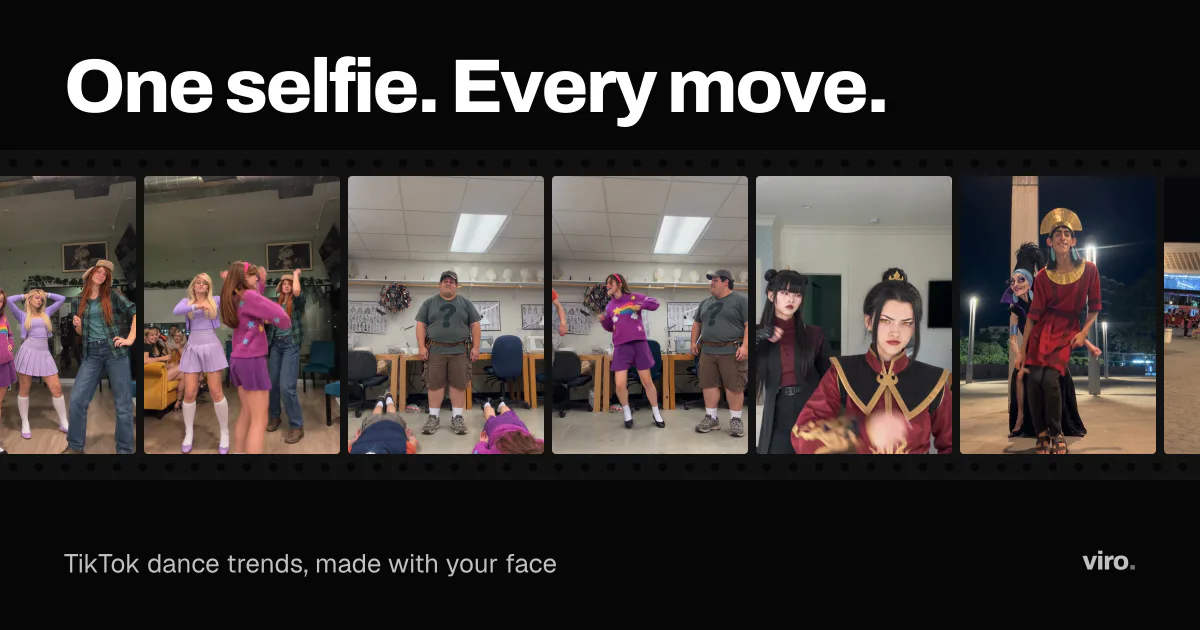
Dance trends are the backbone of TikTok: a song, a few steps, and millions of people doing the same thing. With Viro you do not have to learn the steps. You pick a dance that is trending right now, add one selfie, and get the video with your face in it.
How it works
Each trend on Viro starts from a real clip that is going viral. The scene, the moves, the camera and the timing are already set. When you add a selfie, your face replaces the one in the clip, frame by frame, so it stays you while the body does the dance.
That is why the result looks like the trend and not like a generic AI video: nothing about the dance is left to chance.
What you need
- One selfie. Front-facing, in daylight, with your whole face visible.
- About a minute. That is how long a video usually takes.
That is all. No prompt, no editing, no full-body photo.
Getting a clean result
Dance clips move fast, so the face has to hold up from every angle the trend uses. A few things help:
- Look straight at the camera. A slight turn is fine, a profile is not.
- Use even light. Face a window. Strong shadows on one side show up in every frame.
- Crop to one person. If friends are in the photo, crop so only your face is left.
The selfie checklist has the full list.
Group dances
Some dances on Viro have two or three people in the original. You still add one selfie: your face goes on the lead, and the rest of the clip stays as it is.
Try it free
Your first video is free. Pick a dance from the feed, add your selfie, and see it ready in about a minute. It stays locked until you start a plan, and Pro Weekly starts with 3 days free.
FAQ
Can I make an AI dance video from one selfie?
Yes. One clear selfie is enough. The moves, the outfit and the scene come from the trend, and your face goes in.
How long does it take?
Usually about a minute.
Do I need a full-body photo?
No. A head-and-shoulders selfie works best, because the face is what the trend keeps. The body and the moves come from the trend.